Watch any web page get rebuilt live by a swarm of cursors
One click wipes the page to a blank canvas. Then a team of colorful multiplayer cursors drags out boxes, types every headline and snaps everything into place, until the page looks exactly like before.
A whole design team, inside your browser
Every piece of the page is rebuilt the way a designer would do it in a design tool. You just watched it happen to this page.
Boxes with size badges
Sections, cards and buttons are dragged out with a crosshair and a live W × H badge, then filled with their real colors and shadows.
Live typing
Headlines and paragraphs are typed with a blinking caret. Big titles start small and grow to full size.
Pen-tool borders
Dividers and single-side borders are drawn stroke by stroke, with anchor points at each end.
Ruler guides
Rulers slide in, guides are dragged out, and text snaps neatly onto them.
Smart duplicates
Repeated cards, menu links and list rows are copied with spacing measurements, then retyped.
Live soundtrack
Keyboard clicks, mouse clicks and soft piano notes are generated live. Press M to mute anytime.
Four steps. Zero setup.
Open any website
News, portfolios, shops, your own project. Almost every normal web page works.
Click the icon
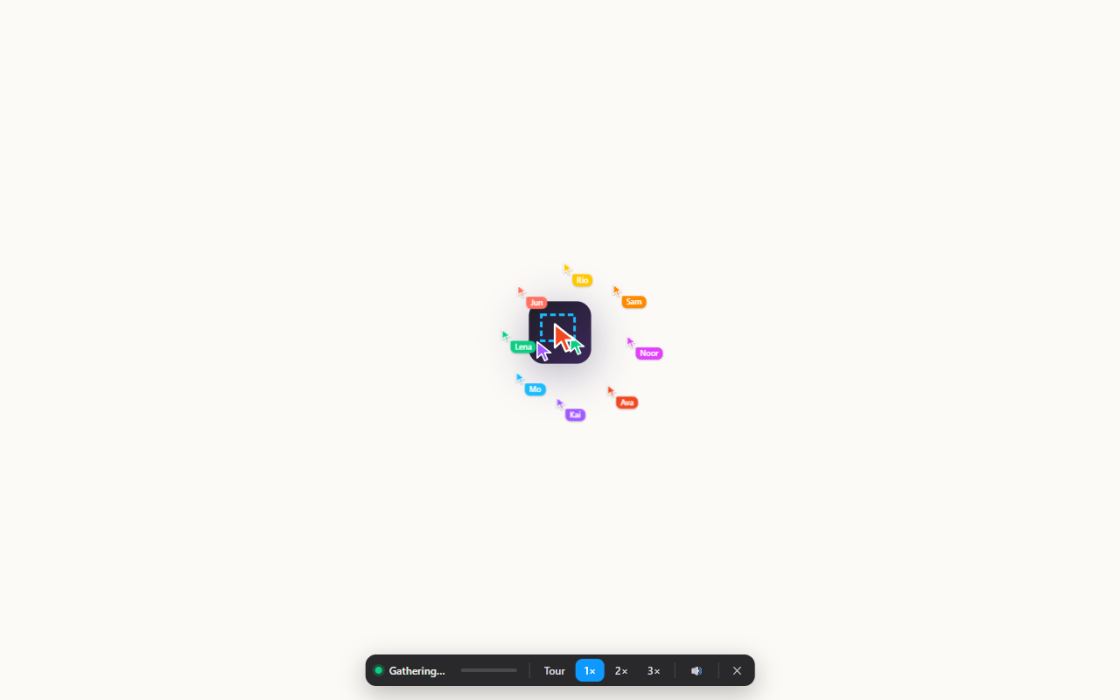
Or press Alt+Shift+S. The page fades and the cursors gather in the middle.
Scroll or hit Tour
The swarm chases you as you scroll. Tour auto-scrolls at the swarm's pace for recordings.
Go live or replay
When it's done the cursors flock to your mouse. Go live returns the real page; Replay builds it again.
See it in action
Shortcuts & extras
Keyboard shortcuts
| Alt+Shift+S | Start / stop on the current page |
| 1 2 3 | Build speed 1× / 2× / 3× |
| T | Tour (auto-scroll) |
| M | Mute / unmute sound |
| R | Replay (when finished) |
| L | Go live (when finished) |
| Esc | Exit anytime |
Great for
Remembers your choices
Your build speed and mute setting are saved on your device, so the next rebuild starts the way you like it.
Questions, answered
Does it change the website?
No. The animation is drawn on a layer on top of the page. Nothing on the real website is edited, and "Go live" or Esc brings back the original page instantly.
Is my data collected?
No. Nothing is sent anywhere. The extension only runs on the tab you click, when you click it, and everything happens inside your browser. Read the full privacy policy.
Where doesn't it work?
Chrome doesn't allow extensions on chrome:// pages, the Chrome Web Store and the built-in PDF viewer. On those pages the icon shows a small red ×.
Why does the rebuild look slightly different on some sites?
It's a visual rebuild made for fun. Page animations pause while the swarm works, and videos or canvases far below the first screen appear as placeholders.
How do I stop it?
Press Esc, click the ✕ in the toolbar, or click the extension icon again.
Is it free?
Yes, completely free, with no ads, accounts or tracking.
Something else? Visit Support.
Standing on the shoulders of a swarm
“Swarm” by Joel Califa
The original idea: a website that builds itself as you scroll, with its cursor swarm and build choreography. califa.github.io/swarm-site
“Swarm Rebuild” extension by Dhvanil Patel
The first extension to bring the swarm to any web page. github.com/DhvanilPatel/swarm-cursors
This version is an independent implementation written from scratch and is not affiliated with or endorsed by either author. Thank you both for the inspiration.
Ready to watch the swarm?
Install it once, then press Alt+Shift+S on any page.
Add to Chrome — it's free